
DVIP Customer Service and Help
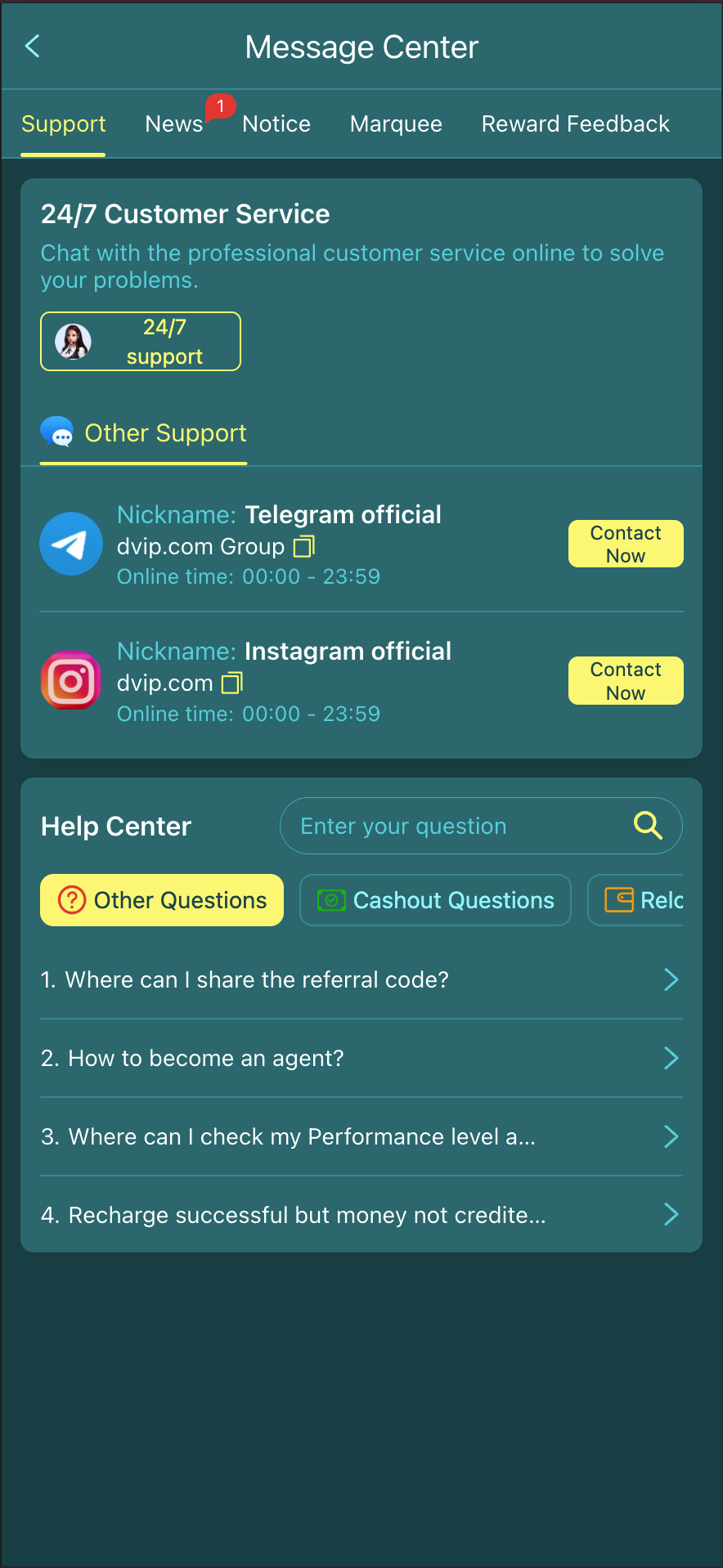
Open Support in the DVIP platform to reach the Message Center. The Support tab includes 24/7 Customer Service and a Help Center for account, cashout and reload questions.
Where to get help
- 01
Open the platform
Use Open DVIP, then choose Support from the bottom navigation.
- 02
Choose 24/7 support
In Message Center, select Support and use the 24/7 support button. The login and registration panels also show Customer Service.
- 03
Explain the issue once
Describe the step that failed and the message you saw. Add the relevant order or event details when needed.
Prepare the right details
| Topic | Useful details |
|---|---|
| Account access | Login or registration step, original error, device and time. Never share passwords or verification codes. |
| Deposit or withdrawal | Order reference, amount, time and status. Hide unrelated personal details in screenshots. |
| Offer or reward | Event name, eligibility message, task progress and claim record. |
| App setup | Device, operating system, download entry and original error. |
Use the Help Center for common questions
The platform Help Center has a question search and categories including Other Questions, Cashout Questions and Reload Questions. Use the relevant category before submitting a detailed account enquiry.
24/7 describes service availability, not a guaranteed response or payment completion time. Keep the conversation and any order references for follow-up.
Before asking about a withdrawal
INR withdrawals are ₹110–₹20,000 per transaction. Normal arrival is 5–30 minutes after processing, not after submission. Check whether your order is still processing or has been marked processed.
For a payment enquiry, give support the order reference, amount, time, method and status. Review any displayed fee or activity requirement before submitting a new request.