Start with the website or choose an App
If you are new to DVIP, you can first open the platform on a phone or computer and look around the lobby. To use an App, select Download now in the banner at the top of the platform homepage, then choose the option for your device.
Android and iOS have lightweight and native packages. Choose the device first, then compare package size and setup requirements. The native Android app requires Android 5.0 or later. The download guide compares all four packages; the installation guide explains the next steps and common errors.
Start from the DVIP homepage download entry and follow the prompt for your device.
Register only if you are new; otherwise use Login
Open Register and use the password or code registration option displayed in the form. Enter a phone number you can access and complete the required fields. If an invitation field appears, check the invitation you intend to use and read the User Agreement before submitting.
If you already have an account, choose Login and use the registered phone number with the appropriate sign-in option. Forgot Password starts account recovery and identity verification. Installing the App, changing browsers or returning to the platform does not mean you need another account.
New users: select the registration option displayed in the form.
Existing users: use Login rather than creating another account.
Choose a game by its format, not only its cover
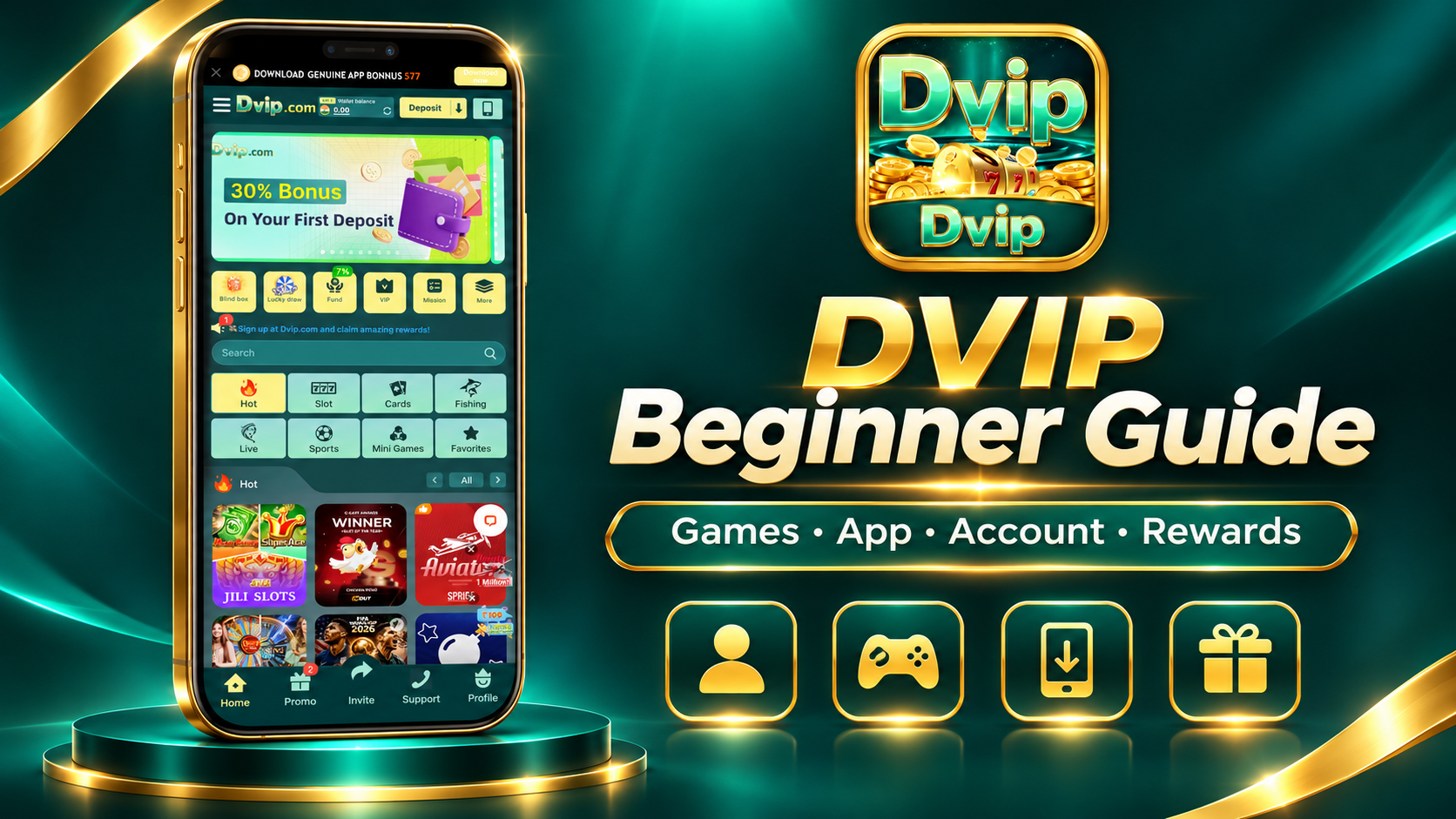
The lobby groups games into Slot, Cards, Fishing, Live, Sports and Mini Games. Hot is a browsing section. Names such as JILI and PG identify suppliers or collections; open a collection to find individual titles.
For slots, start with a collection such as JILI Slots and look for titles displayed in DVIP, including Money Coming and Super Ace. Read the selected game rules before starting. For Teen Patti, check the table rules. Aviator, Mines and Chicken Road use different formats, so slot or card-game instructions do not apply to all of them.
Before taking part, understand three things: how this game works, the amount attached to one action, and how a result or reward is calculated. The game guides explain these basics; the current platform catalogue determines which titles and versions are available.
Look at the right activity before the headline amount
DVIP offers tiered first-deposit rewards, the ₹577 App download activity, seven-day check-ins and the 7% Recharge Fund. These are separate activities with their own participation, claim and use conditions.
For example, the ₹100 first-deposit tier lists ₹30. Larger amounts have their own tiers. The confirmed 5× first-deposit turnover condition applies to the bonus amount, not the deposit principal; it is not a universal condition for every activity. The check-in sequence totals up to ₹205, with ₹65 as the highest daily reward, subject to the check-in rules.
Find the ₹577 App activity through the download banner at the top of the platform homepage. Read the eligibility and claim instructions there. An advertised amount is not the same as a reward already credited to your account.
Understand the difference between a balance and a payment
A deposit, an activity reward and a withdrawable balance are different things. Before confirming a payment, check the receiving details, amount and any displayed fee or activity condition. A promotional banner alone does not tell you how much you can withdraw.
Current INR deposits are ₹100–₹50,000 per transaction; normal INR withdrawals are ₹110–₹20,000. Normal arrival is 5–30 minutes after an order has been processed, rather than a guaranteed countdown from submission. If money has not arrived, first check whether the order is processing or processed.
Get useful help when you are unsure of the next step
Open Support in DVIP for customer service and the Help Center. For an account problem, explain the step that failed. For a payment, prepare the order reference, time, amount and status. For an activity, provide its name and the claim message. Do not send a password, verification code or complete bank details in an ordinary support message.
A practical starting route is: choose web or App access, register or sign in, explore the games, check the relevant offer, and learn where payment help is available. You do not need to use every feature or join every activity at once. DVIP is for adults; games involve financial risk, so set your own time and spending limits before taking part.
New-user questions
Must I download the App before registering?
No. You can first explore the platform website and use its registration entry.
Do the App and website need separate registrations?
Use your existing DVIP account. If sign-in fails, use the appropriate recovery or customer-service entry.
Which game should a beginner choose?
Start with a game whose rules and amount settings you understand. A cover, a bonus or a recent result does not make a game a guaranteed win or a low-risk choice.